






Classrooms and libraries
The P2S and P1S are fully enclosed with a carbon filter and have no laser. Both print a 256 mm cube; the P2S is faster, has a 5-inch touchscreen and a 1080p camera.
P2S, CA$799P1S, CA$519
Bambu Lab makes enclosed 3D printers that print several colours and materials at once with its AMS units. The P2S prints a 256 mm cube at up to 600 mm/s, and the P2S Combo adds the AMS 2 Pro, which feeds and dries four spools. The H2S, H2D and H2C add a heated chamber, a larger build and laser combos. iDesign 365 is an authorized Canadian Bambu Lab reseller, with prices in Canadian dollars and school purchase orders.
Five printers, one table
From the P1S to the H2C: build size, nozzles, heated chamber, colours and laser options side by side, with live Canadian prices.

Each Combo is the printer plus an AMS unit and the parts it needs to connect. Contents are from Bambu Lab's own "What's in the box" lists. "Not listed" means Bambu's list does not mention the item. Prices are live.
| What you get | P1S AMS ComboCA$719 | P1S AMS 2 Pro ComboCA$799 | P2S ComboCA$999 | H2S AMS ComboCA$2,189 | H2D AMS ComboCA$2,565 |
|---|---|---|---|---|---|
| The printer, build plate, spool holder and accessory box | Yes | Yes | Yes | Yes | Yes |
| AMS unit included | AMS (first generation) | AMS 2 Pro | AMS 2 Pro | AMS 2 Pro | AMS 2 Pro |
| Filament drying in the AMS | Not listed | Yes, up to 65 °C | Yes, up to 65 °C | Yes, up to 65 °C | Yes, up to 65 °C |
| Filament Buffer | Not listed | Yes | Yes | Not needed | Not needed |
| Switching Adapter (power for drying) | Not listed | Yes | Not listed | Not listed | Not listed |
| PTFE Tube Coupler | Not listed | Yes | Not listed | Not listed | Not listed |
| Bus cables and two spare filament cutters | Yes | Not listed | Not listed | Not listed | Not listed |
| Filament | Two sample spools | Not listed | Not listed | Not listed | Not listed |
| Safety key | Not listed | Not listed | Not listed | Yes | Yes |
Bambu Lab says the AMS 2 Pro reaches 65 °C when the room is above 25 °C.
The company behind it
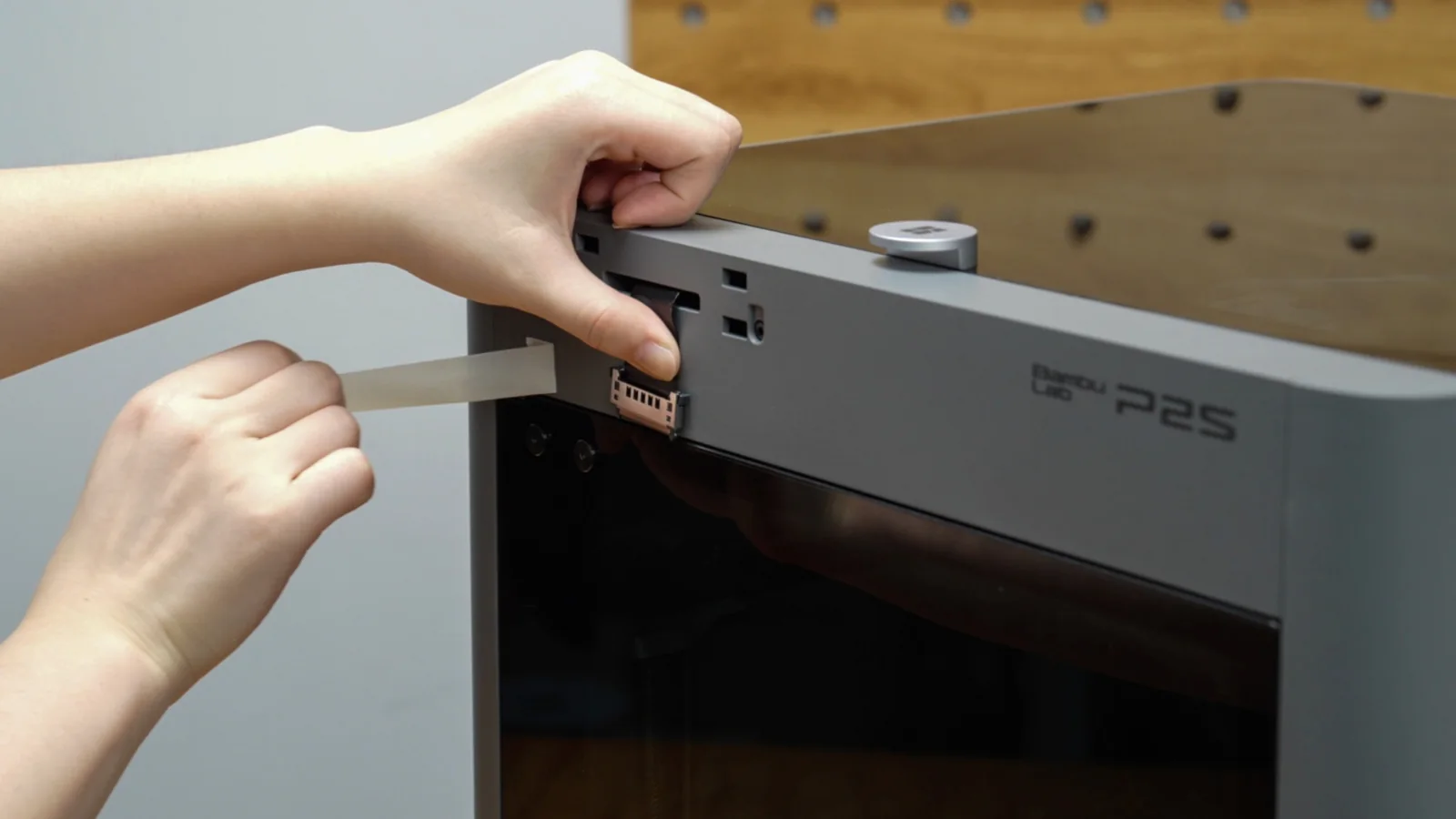
Bambu Lab makes desktop 3D printers, the AMS units that feed them several spools at once, and Bambu Studio, the software that prepares each print. The range on this page runs from the enclosed P1S and P2S to the H2 series, which adds a heated chamber and, in its Laser Full Combos, laser engraving and blade cutting.
The P2S is a Tom's Hardware Editor's Choice (October 2025) and won a CNET Editors' Choice Award for 2026. TIME named the Bambu Lab H2D one of its Best Inventions of 2025. Bambu Lab's head office is BAMBULAB LIMITED in Hong Kong, and from October 15, 2026 its Canadian store is run by BAMBULAB CANADA LIMITED, a Canadian company in Richmond Hill, Ontario.
iDesign 365 is an authorized Canadian Bambu Lab reseller. We price in Canadian dollars, accept school purchase orders and quotes, and help homes, schools, makerspaces and small businesses choose the printer and AMS setup that fits.
From a file to a finished part
Open your model in Bambu Studio, Bambu Lab's own software for Windows and macOS, choose the filament for each part and send the job to the printer.
The printer builds the part layer by layer inside its enclosure. With an AMS unit fitted it switches between four spools per unit on its own, so one print can carry several colours or materials.
Every printer in the range has a built-in camera, so you can see how a print is going without opening the door. When it is done, lift the part off the build plate.
Short films from Bambu Lab
Side by side
| Bambu Lab printers |  P1SEnclosed, entry price P1SEnclosed, entry price |  P2SThe newer 256 mm printer P2SThe newer 256 mm printer |  H2SLargest single nozzle H2SLargest single nozzle | 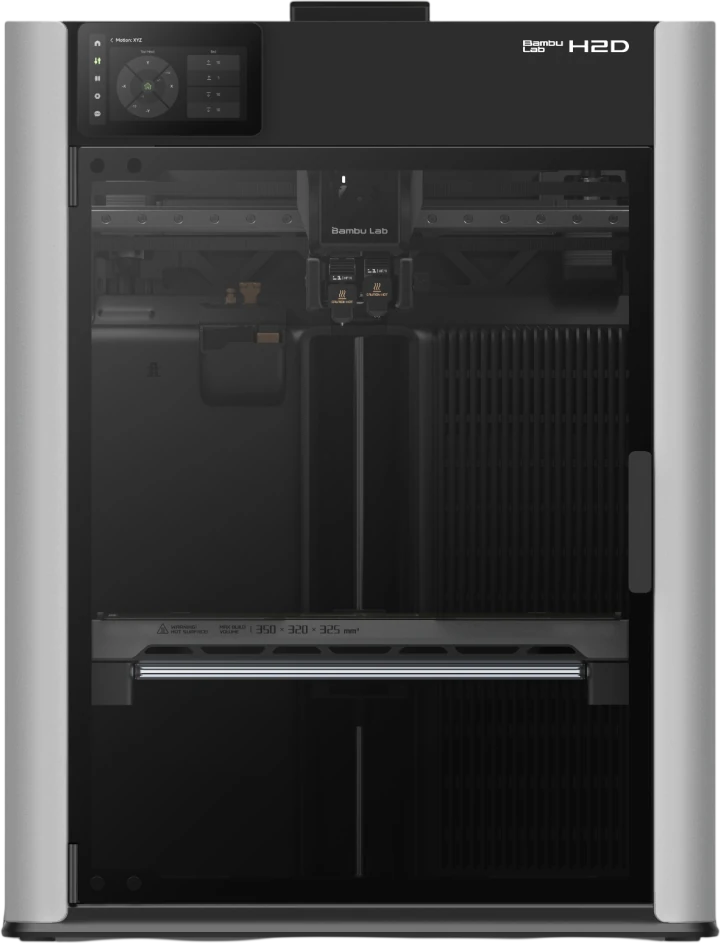 H2DTwo nozzles · TIME Best Inventions 2025 H2DTwo nozzles · TIME Best Inventions 2025 |  H2CTwo nozzles, Vortek hotends H2CTwo nozzles, Vortek hotends |
|---|---|---|---|---|---|
| Build volume (mm) | 256 x 256 x 256 | 256 x 256 x 256 | 340 x 320 x 340 | 350 x 320 x 325 total, 300 wide using both nozzles | 330 x 320 x 325 total, 300 wide using both nozzles |
| Nozzles | 1 | 1 | 1 | 2 | 2, with Vortek hotend swap |
| Top toolhead speed | 500 mm/s | 600 mm/s | 1,000 mm/s | 1,000 mm/s | 1,000 mm/s |
| Nozzle / bed, max | 300 / 100 °C | 300 / 110 °C | 350 / 120 °C | 350 / 120 °C | 350 / 120 °C |
| Chamber | Enclosed | Enclosed | Heated to 65 °C | Heated to 65 °C | Heated to 65 °C |
| Air filter | Carbon | Carbon, VOC and particles | HEPA H12 and carbon | HEPA H12 and carbon | HEPA H12 and carbon |
| Most colours, says Bambu Lab | 16 (4 AMS + Hub) | 20 (8 AMS units) | 24 (12 AMS units) | 24 (12 AMS units) | 24 (12 AMS units) |
| Laser and cutting | No | No | 10 W combo | 10 W or 40 W combo | 10 W or 40 W combo |
| Camera | 720p | 1080p, 30 fps | 1080p | 1080p | 1080p |
| Good for | A first enclosed printer | Multi-colour at home or in class | Big parts in one piece | Two materials in one print | Many colours, less purge waste, says Bambu Lab |
| From, CAD (H2C: AMS Combo) | CA$519 | CA$799 | CA$1,779 | CA$2,199 | CA$3,289 |
| Shop | View the P1S | View the P2S | View the H2S | View the H2D | View the H2C |
Figures from Bambu Lab's own spec tables on its Canadian store, read October 2026. Colour counts need the AMS units shown (AMS 2 Pro and AMS HT; the P1S uses four AMS units and an AMS Hub). Speeds and the H2C's purge saving are Bambu Lab's own figures. Laser combos are covered under "Can a school use the laser combos?" below.
Homes, schools, makerspaces and small businesses across Canada. We will help you choose a printer, the right AMS setup and the parts to connect it, and how to buy on a purchase order.
Home, classroom, makerspace, business
The P2S and P1S are fully enclosed with a carbon filter and have no laser. Both print a 256 mm cube; the P2S is faster, has a 5-inch touchscreen and a 1080p camera.
P2S, CA$799P1S, CA$519
The P2S Combo adds the AMS 2 Pro and the Filament Buffer, so the printer can switch between four spools in one print and dry them between jobs.
P2S Combo, CA$999P1S AMS Combo, CA$719
The H2S has the largest build in the range, 340 x 320 x 340 mm, a chamber heated to 65 °C and runs below 50 dB, says Bambu Lab. The H2D adds a second nozzle for two materials in one print.
H2S, CA$1,779H2D, CA$2,199
The H2D Laser Full Combo adds a 10 W laser for engraving and cutting and a blade cutting module, on top of 3D printing. Bambu Lab does not recommend the laser for operation by minors, so it suits labs run by staff.
H2D Laser 10 W, CA$2,899H2C, CA$3,289Multi-colour and multi-material

The AMS (Automatic Material System) holds spools and feeds them to the printer, switching between them during a print. The AMS 2 Pro holds four spools and dries them up to 65 °C, with sealed storage and active moisture discharge. The AMS HT holds one spool, dries up to 85 °C and has a bypass outlet for TPU, TPE and fibre-filled filaments the four-spool units cannot feed. The first-generation AMS holds four spools with desiccant and a humidity sensor, no drying.
The H2S, H2D and H2C take up to four AMS or AMS 2 Pro units plus eight AMS HT; the P2S takes four plus four. The AMS Hub is only for the P1 and X1 series, where it lets a P1S run up to four AMS units. A P2S bought without the Combo needs the Filament Buffer to connect an AMS, and each extra AMS 2 Pro that dries at the same time needs its own Switching Adapter.
For new owners
Every one of these is an official Bambu Lab video. Click one to watch it right here.
From Bambu Lab's own spec tables
| Build volume | 256 x 256 x 256 mm (10.08 in cube) |
|---|---|
| Speed | Up to 600 mm/s, 20,000 mm/s² acceleration |
| Nozzle and bed | Up to 300 °C and 110 °C |
| Chamber | Enclosed, no active heating |
| Nozzle | Hardened steel, 0.4 mm included, 0.2 to 0.8 mm supported |
| Air filter | Coconut shell carbon, VOC and particle filtration |
| Screen and camera | 5-inch touchscreen, 1080p camera at 30 fps |
| Colours | Up to 20 with 4 AMS 2 Pro and 4 AMS HT, says Bambu Lab |
| Power | 100 to 120 V, 1,000 W max at 110 V |
| Size and weight | 392 x 406 x 478 mm, 15.0 kg |
| Build volume | 256 x 256 x 256 mm (10.08 in cube) |
|---|---|
| Speed | Up to 500 mm/s, 20 m/s² acceleration |
| Nozzle and bed | Up to 300 °C and 100 °C |
| Chamber | Enclosed, with a chamber temperature regulator fan |
| Nozzle | Stainless steel 0.4 mm included; 0.2, 0.6 and 0.8 mm optional |
| Air filter | Activated carbon |
| Camera | 1280 x 720 at 0.5 fps |
| Colours | Up to 16 with 4 AMS units and an AMS Hub, says Bambu Lab |
| Filaments, says Bambu Lab | Ideal: PLA, PETG, TPU, PVA, PET, ABS, ASA. Capable: PA, PC |
| Size and weight | 389 x 389 x 458 mm, 12.95 kg |
| Build volume | 340 x 320 x 340 mm (13.39 x 12.60 x 13.39 in) |
|---|---|
| Speed | Up to 1,000 mm/s, 20,000 mm/s² acceleration |
| Nozzle, bed, chamber | Up to 350 °C, 120 °C, heated chamber to 65 °C |
| Nozzle | One, hardened steel, 0.4 mm included, 0.2 to 0.8 mm supported |
| Air filter | G3 pre-filter, H12 HEPA, coconut shell carbon |
| Noise | Below 50 dB, says Bambu Lab (40 dB background, 1 m away) |
| Laser | 10 W Laser Full Combo; engraving area 310 x 260 mm |
| Colours | Up to 24 with 4 AMS 2 Pro and 8 AMS HT, says Bambu Lab |
| Power | 100 to 120 V, 1,170 W max at 110 V |
| Size and weight | 492 x 514 x 626 mm, 30 kg |
| Build volume | 325 x 320 x 325 mm one nozzle; 350 x 320 x 325 mm total for two nozzles; 300 x 320 x 325 mm printing with both |
|---|---|
| Speed | Up to 1,000 mm/s, 20,000 mm/s² acceleration |
| Nozzle, bed, chamber | Up to 350 °C, 120 °C, heated chamber to 65 °C |
| Nozzles | Two, hardened steel, 0.4 mm included, 0.2 to 0.8 mm supported |
| Air filter | G3 pre-filter, H12 HEPA, coconut shell carbon |
| Laser | 10 W or 40 W Laser Full Combo; engraving 310 x 270 mm (10 W) or 310 x 250 mm (40 W) |
| Laser cutting | Up to 5 mm (10 W) or 15 mm (40 W) basswood plywood, says Bambu Lab |
| Blade cutting | Cutting module in the Laser Full Combo: 300 x 285 mm, paper, vinyl, leather and more |
| Colours | Up to 24 slots with 4 AMS 2 Pro and 8 AMS HT, says Bambu Lab |
| Size and weight | 492 x 514 x 626 mm, 31 kg |
| Build volume | 330 x 320 x 325 mm total; 300 x 320 x 325 mm when printing with both nozzles |
|---|---|
| Hotends | Six swappable induction hotends on the right nozzle plus a standard left hotend (Vortek) |
| In the AMS Combo | Eight hotends and one AMS 2 Pro, says Bambu Lab |
| Speed | Up to 1,000 mm/s, 20,000 mm/s² acceleration |
| Nozzle, bed, chamber | Up to 350 °C, 120 °C, heated chamber to 65 °C |
| Air filter | G3 pre-filter, H12 HEPA, coconut shell carbon |
| Fire safety | Chamber built from UL94 V-0 grade materials, says Bambu Lab |
| Laser | 10 W or 40 W Laser Full Combo |
| Colours | Up to 24 materials in one print with parallel AMS units, says Bambu Lab |
| Size and weight | 492 x 514 x 626 mm, 32.5 kg |
From Bambu Lab's spec tables and data sheets on its Canadian store, October 2026. Inch figures are our conversion of Bambu Lab's millimetres. Speed, noise, colour and cutting figures are Bambu Lab's own.
From iDesign 365
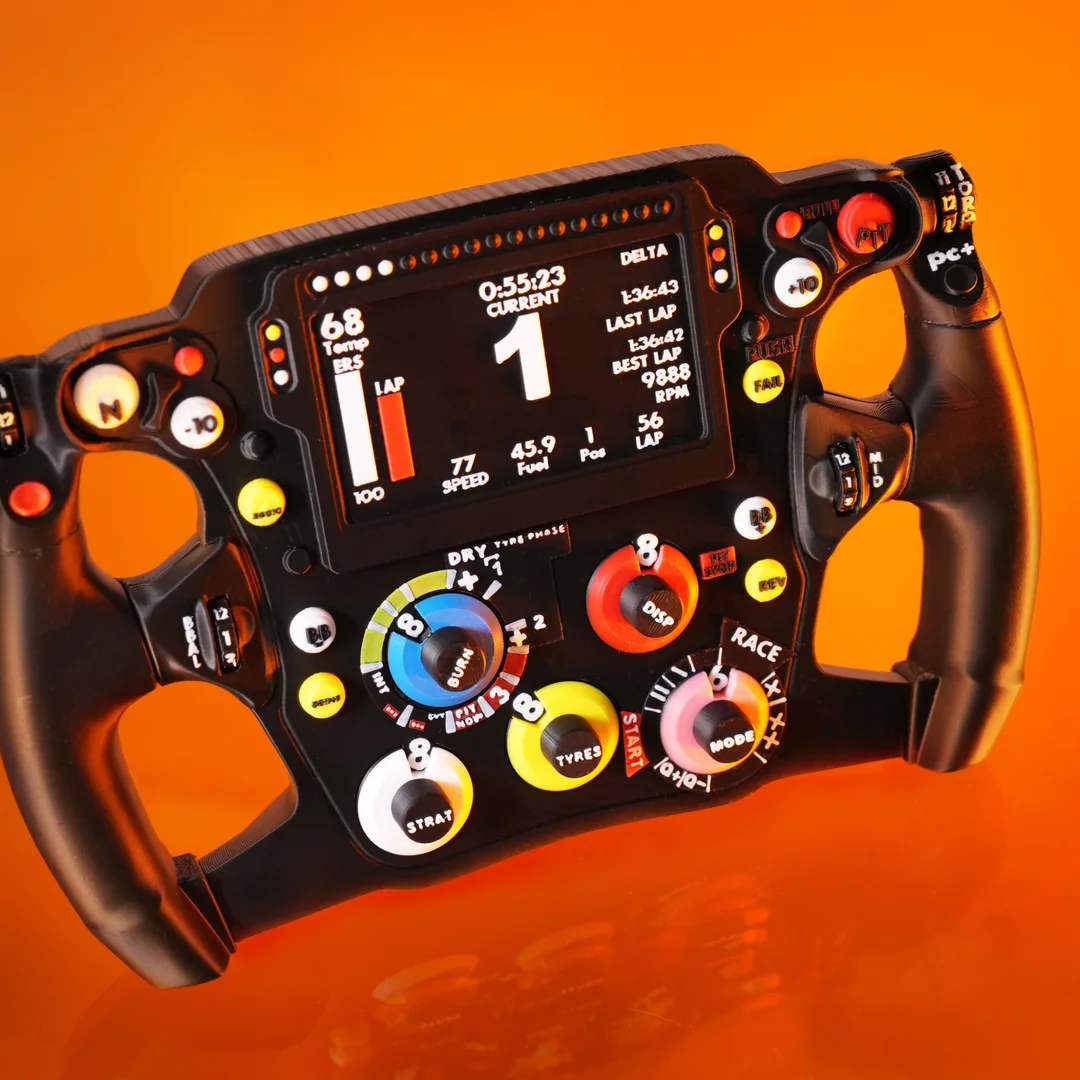
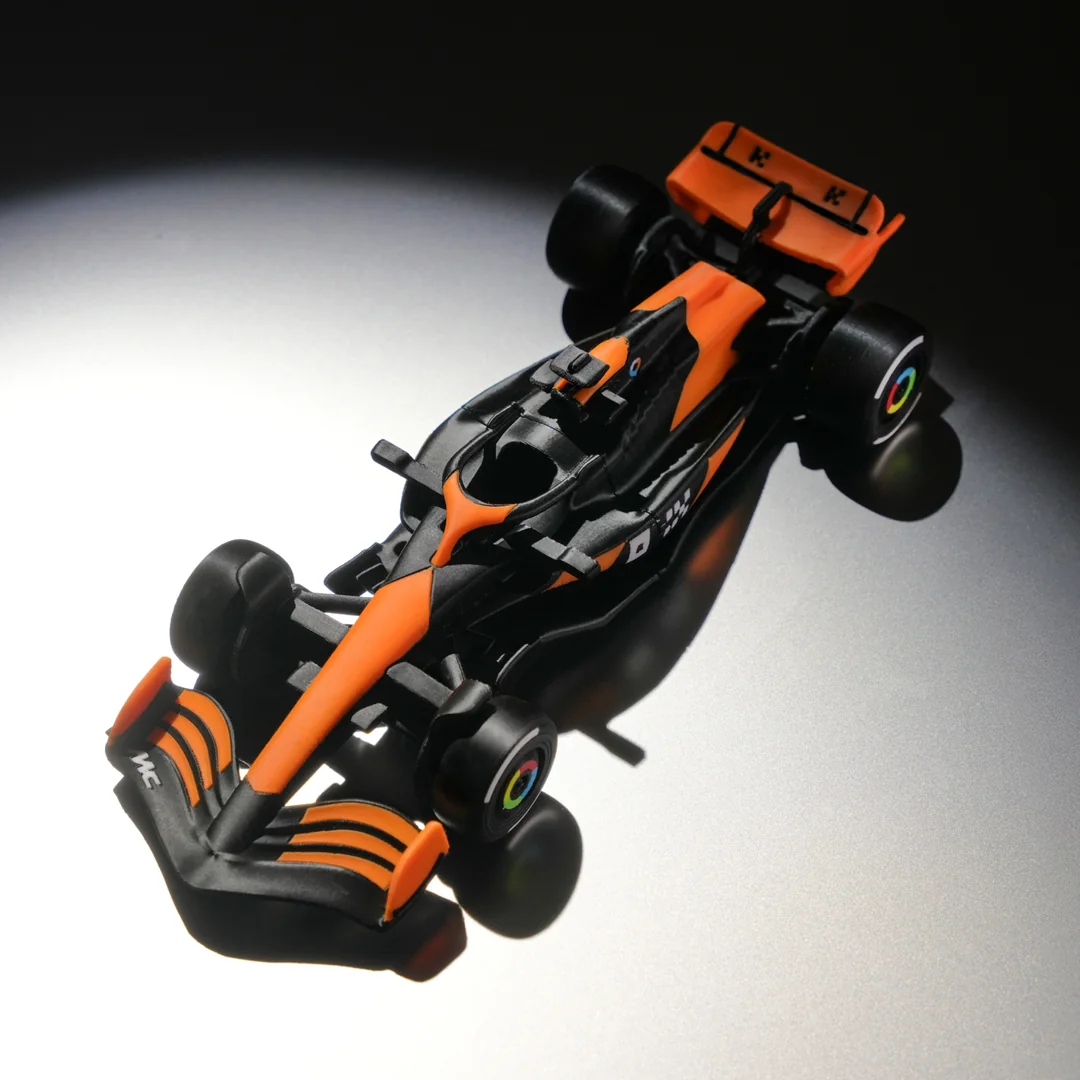
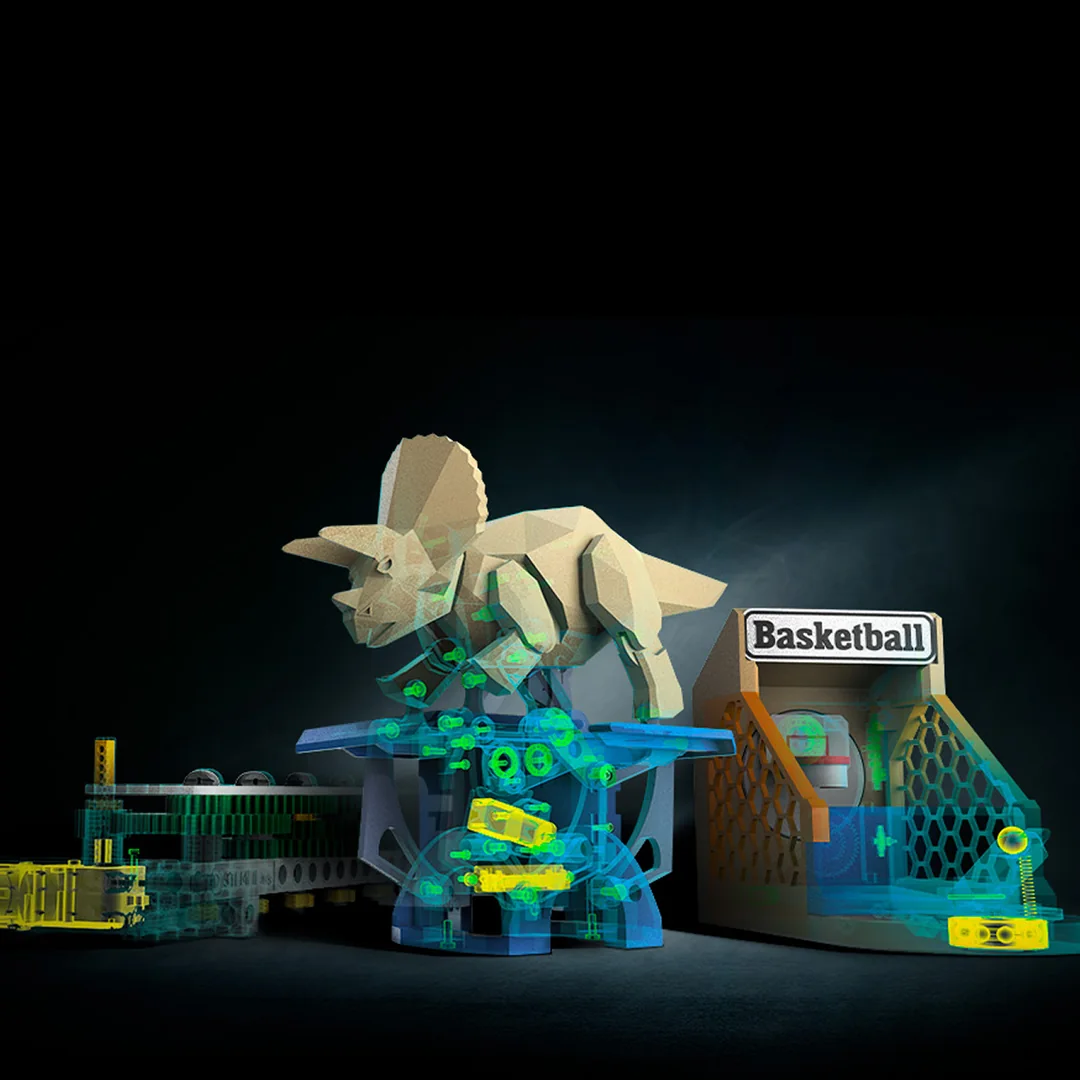
Made on Bambu Lab printers


Questions
Answers based on Bambu Lab's own pages and how we sell in Canada. Still stuck? Contact us and we will help.
Yes. iDesign 365 is an authorized Canadian Bambu Lab reseller. We sell the H2C, H2D, H2S, P2S and P1S, the AMS, AMS 2 Pro, AMS HT and AMS Hub, and the adapters and buffer that connect them, all priced in Canadian dollars.
Yes. Bambu Lab runs a Canadian web store that charges in Canadian dollars and ships from a Canadian warehouse, and it sells through authorized Canadian resellers such as iDesign 365. From October 15, 2026 the Canadian store is operated by BAMBULAB CANADA LIMITED, a Canadian company registered in Richmond Hill, Ontario.
Bambu Lab's About page lists BAMBULAB LIMITED, a Hong Kong company, as its head office, and Shenzhen Tuozhu Technology Co., Ltd., based in Shenzhen, China, as the owner of the brand registration. Its Canadian store moves to a Canadian company, BAMBULAB CANADA LIMITED, on October 15, 2026.
Yes. Every price on this page is live in CAD, and sales tax is added at checkout for your province. At checkout, choose Purchase Order and reply to our acknowledgement with your PO, or choose Quote and our sales team will send a detailed quote.
Shipping depends on the item and your postal code, and the cost is shown at checkout before you pay. Bambu Lab's H series printers are large and heavy (the H2S weighs 30 kg on its own), so ask us if you need delivery to a remote or northern address.
Bambu Lab's own Canadian store says its orders leave a Canadian warehouse in 1 to 3 business days and printers and AMS units arrive in 3 to 7 business days, and that it cannot ship the H series to Nunavut, the Northwest Territories, Yukon or Newfoundland and Labrador. For an order from iDesign 365, contact us before you order and we will tell you when it can reach you.
Bambu Lab gives a 2-year warranty on its printers and on the AMS, AMS 2 Pro and AMS HT in Canada. It needs a purchase receipt from Bambu Lab or an authorized reseller, and as an authorized reseller our receipt qualifies. Bambu Lab's warranty statement is written for individual consumers, so schools and businesses should ask us about coverage before ordering.
New, unopened items can be returned within 30 days of shipping for a refund less a 20% restocking fee. Opened products cannot be returned. See our FAQs page for the full policy.
The company's name is Bambu Lab, with no "s". People also search for Bambu Labs, Bambulab and Bamboo Lab; they all mean the same printers.
No. On October 6, 2026 Bambu Lab's Canadian store still listed the P1S with three options, the printer alone, the AMS Combo and the AMS 2 Pro Combo, with no discontinued notice. We sell all three. The P2S is Bambu Lab's newer printer in the same 256 mm size.
Both are enclosed and print a 256 mm cube. The P2S is faster (600 mm/s against 500), heats the bed to 110 °C instead of 100, ships with a hardened steel nozzle instead of stainless, and adds a 5-inch touchscreen and a 1080p camera at 30 fps (the P1S camera is 720p at 0.5 fps). Its filter handles particles as well as fumes, and it runs up to 20 colours with AMS 2 Pro and AMS HT units without an AMS Hub. The P1S is the lower-priced way into an enclosed Bambu Lab printer: P1S CA$519, P2S CA$799.
They share a 350 °C nozzle, a 120 °C bed, a chamber heated to 65 °C, 1,000 mm/s top speed and HEPA filtration. Pick the H2S for the largest single-nozzle build (340 x 320 x 340 mm) at the lowest H series price. Pick the H2D for two nozzles, so one print can mix two materials, and a 10 W or 40 W laser combo. Pick the H2C for two nozzles plus Bambu Lab's Vortek system of six swappable induction hotends, which Bambu Lab says cuts the filament wasted on colour changes. From H2S CA$1,779, H2D CA$2,199, H2C AMS Combo CA$3,289.
The H2D uses the same Bambu Studio software as the rest of the range, but much of what you pay for is the second nozzle, the heated chamber and the laser options. If you are new to 3D printing and do not need two materials in one print, the P2S and P1S print a 256 mm cube, in several colours with an AMS, for far less.
The Combo adds an AMS unit, so the printer can switch between four spools in one print. It costs less than adding the AMS later, and the P2S Combo already includes the Filament Buffer that a P2S bought on its own needs before any AMS can connect. If you will only ever print one colour at a time, the printer on its own is enough.
It holds four spools, feeds them to the printer and switches between them during a print, so one part can carry four colours or materials. It also dries filament up to 65 °C, keeps it in sealed storage and actively discharges moisture. Bambu Lab says the top drying temperature needs a room above 25 °C.
The AMS holds four spools without drying. The AMS 2 Pro holds four and dries them up to 65 °C. The AMS HT holds one spool, dries up to 85 °C and has a bypass outlet for TPU, TPE and carbon or glass fibre filaments that the four-spool units cannot feed. Choose the AMS 2 Pro for four colours with drying, and add an AMS HT when you print flexible or fibre-filled materials.
The AMS, AMS 2 Pro and AMS HT each come in a version for the H2D and H2C, for the H2S and for the P2S; choose your printer when you order. The AMS Hub is only for the P1 and X1 series, where it lets a P1S run up to four AMS units; the H series and P2S do not use it. Extra parts: three or more AMS 2 Pro on an H2D or H2C need the 4-in-1 PTFE Adapter II, two or more on an H2S need the 4-in-1 PTFE Adapter, any AMS on a P2S bought without the Combo needs the Filament Buffer, and each extra AMS 2 Pro drying at the same time needs a Switching Adapter.
With enough AMS units, says Bambu Lab: up to 24 on the H2S, H2D and H2C (four AMS 2 Pro and eight AMS HT), 20 on the P2S (four of each) and 16 on the P1S (four AMS units and an AMS Hub). One AMS unit gives four colours.
For a classroom, the P2S and P1S: both are enclosed with a carbon filter, print a 256 mm cube and have no laser. For a makerspace or a design and engineering program, the H2S adds the largest build and a heated chamber for tougher materials, and the H2D adds a second nozzle. Laser combos suit labs run by staff (see the next question).
The H2S, H2D and H2C Laser Full Combos add a laser module that Bambu Lab rates Class 4 on its own and Class 1 as a complete system when the printer's protection is complete and working. Bambu Lab's laser safety document says the device “is not recommended for operation by minors”, asks for a trained person to supervise the laser at all times, and for the smoke exhaust to be installed. In a school, that means a staff-run lab, not students operating the laser.
Yes, all five are enclosed. The H2S, H2D and H2C have a G3 pre-filter, an H12 HEPA filter and a coconut shell carbon filter. The P2S has a coconut shell carbon filter that handles fumes and particles. The P1S has an activated carbon filter, which Bambu Lab describes as a solution for the odours of materials such as ABS. Laser combos add a ventilation pipe, and Bambu Lab says the smoke exhaust must be installed before using the laser.
Bambu Lab's Canadian store publishes no general school or student discount; its 2026 School Ambassador program is a selective program for chosen students. For a school or board order, choose Quote at checkout and our sales team will send a detailed quote.
Bambu Lab's own software is Bambu Studio, which prepares a 3D model for printing (a slicer) on Windows and macOS, and Bambu Handy, its phone app. If you were asking about prices, the Canadian store and our store both charge in Canadian dollars (CAD).
From Bambu Lab's YouTube channel


