



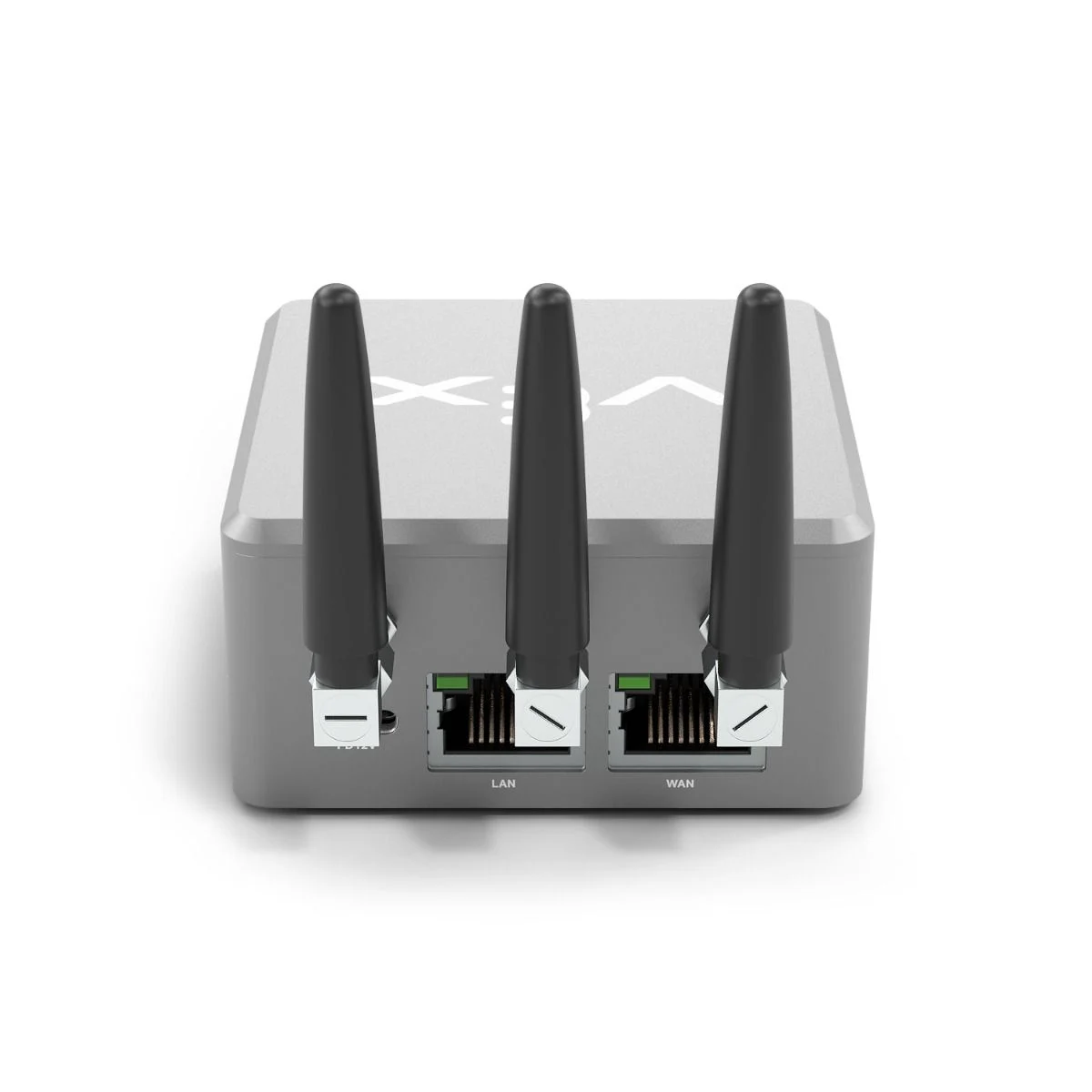


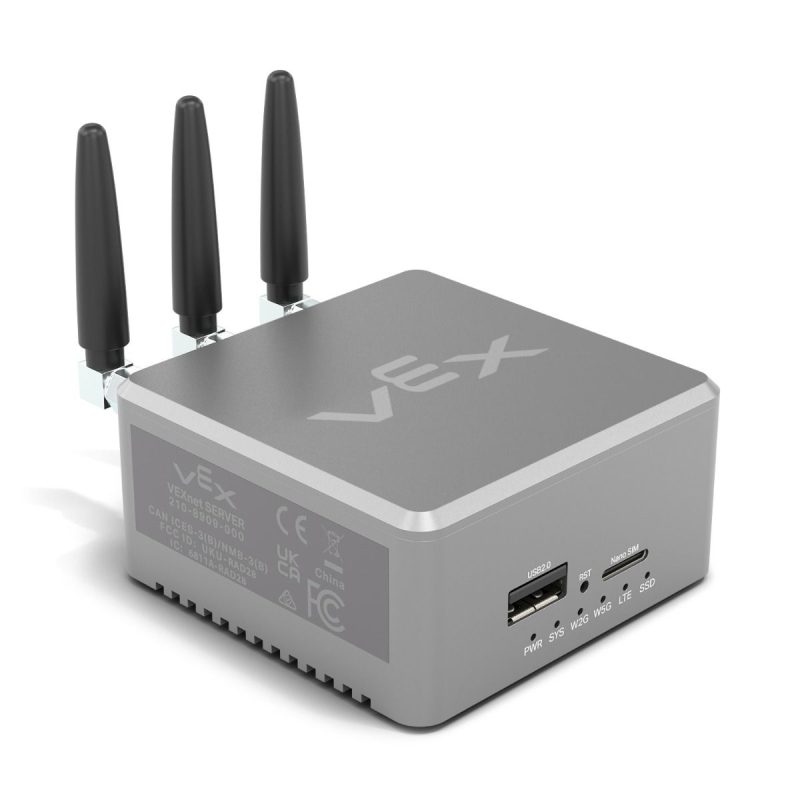


No internet? Slow internet? No problem!
Works with VEX 123, GO, IQ, AIM, EXP, V5, CTE, AIR
The VEXnet Server locally hosts the complete VEX teaching material, software, build instructions and more, so classrooms can teach, build, code and learn regardless of your internet situation. It provides a local copy of all VEX content, including the following:
- Curriculum and activities
- VEXcode software
- Build Instructions
- Professional Development
- Educator Certifications
- Library of support content
- Coding reference APIs
How the VEXnet Server Works:
Issue: No Network or Wi-Fi Available at school
- Power up the VEXnet Server
- The server instantly creates its own Wi-Fi network
- Connect your device to the VEXnet Wi-Fi
- Open a browser and access all VEX content-no internet required
Issue: Slow or Unreliable Internet at school
- Power up the VEXnet Server
- Connect to the school’s network
- VEXnet Server is immediately available on the local network
- Open a browser and access all VEX content-fast and reliable
Easy Content Updates!
Issue: No Network or Wi-Fi Available
- Someone with internet access visits vexnet.vex.com.
- Download the updates to a USB storage device.
- Plug the USB storage device into the VEXnet Server.
Issue: Slow or Unreliable Internet
- The server automatically updates at night
Related products



 VEXnet Server


