



CoDrone EDU
$345.00
Brand:
Free curriculum accessible for teachers so that students can fly, flip, make music, detect obstacles, and detect colors right out of the box. Can be coded with Block coding or Python.
- In stock, ships from Ontario
- Priced in CAD, no import duty
- Purchase orders and quotes for schools
- Authorized Canadian Robolink reseller
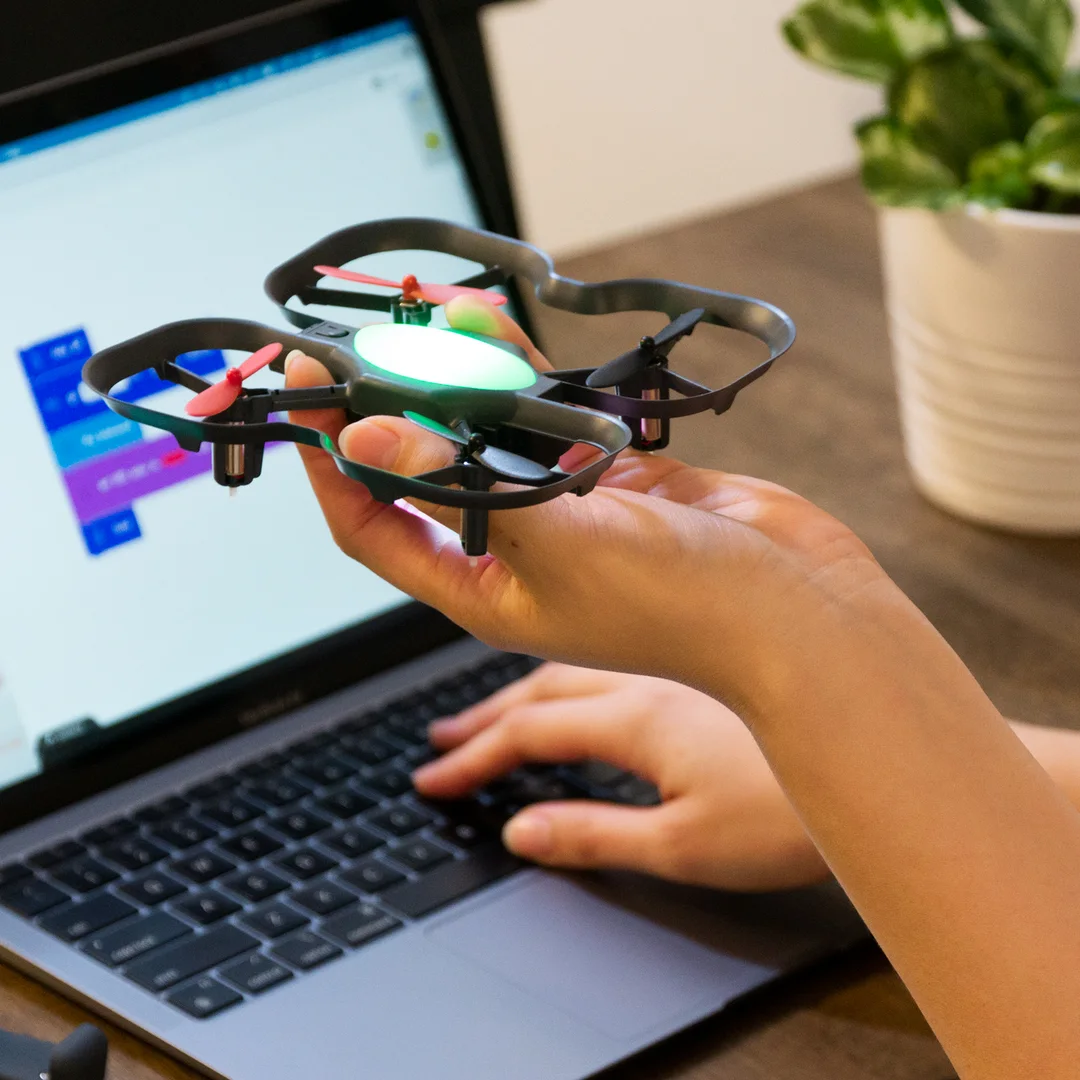
The CoDrone EDU is a programmable drone, meant for learning in the classroom. Code it in Python or start from the basics with block-based coding. Unique to this drone are its color sensors, a front range sensor, a bottom range sensor, among others—all usable in code. With a durable and safe frame, programmable lights, and access to its 7 sensors (, it’s an excellent learning tool and a great way to learn coding and engineering skills.
Coding Languages: Python, Blockly
What you’ll learn
Drone piloting, coding foundations, flight directions, graphing sensor data, controlling LEDs, obstacle detection, mapping space, coding sound, block coding, text coding.
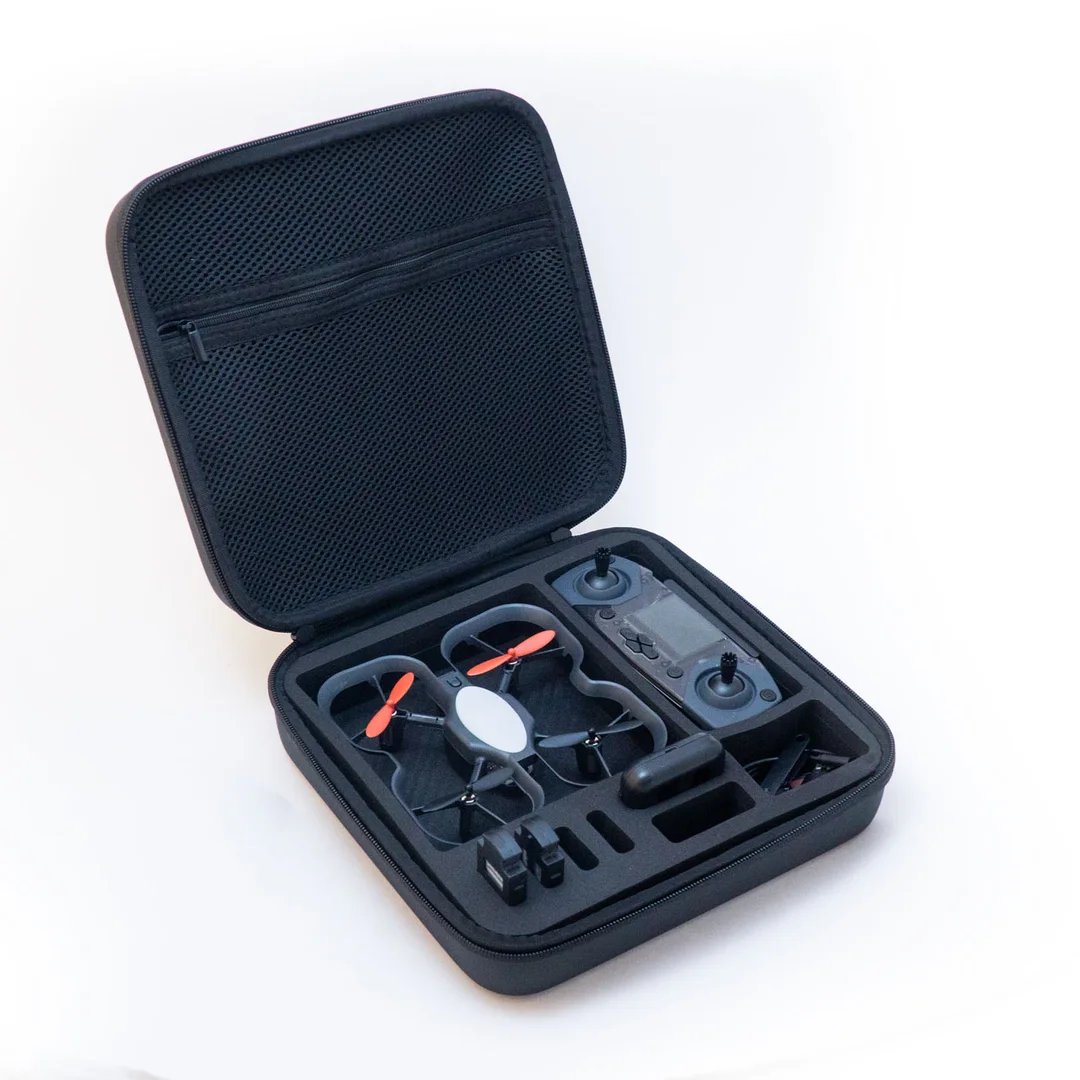
What you get:
- Free Curriculum
- (1) CoDrone EDU
- (1) Smart Controller
- (2) rechargeable batteries
- (1) Two-battery charger
- (1) micro USB cable
- (1) set of extra propellers (2 clockwise, 2 counter-clockwise)
- (1) small screw driver and bolt
- (1) Quickstart Guide
- (1) set of labels for your drone and controller
- (8) color landing pads
7 Sensors, Code Ready
There are plenty of advanced sensors packed into a small package. All of these sensors can be accessed from code and used to detect information about the environment.
Accelerometer
For sensing acceleration
Gyroscope
For sensing rotation
Barometer
For sensing height and pressure
Front range
For sensing obstacles ahead
Bottom range
For sensing distance to the ground
Color
For sensing surface colors
Optical flow
For sensing relative position
The free curriculum can be found at https://learn.robolink.com/product/codrone-edu/
9 reviews for CoDrone EDU
Only logged in customers who have purchased this product may leave a review.
See CoDrone EDU in a classroom
Robolink's own film shows students flying CoDrone EDU with its controller, then coding it and reading its sensors.
- Fly first, then code in Blockly or Python
- Seven sensors students can read from code
- Built to be repaired, part by part
Video by Robolink (2:22). Plays here, nothing loads until you press play.
CoDrone EDU specifications
| In the box | CoDrone EDU, Smart Controller, 2 batteries, two-battery charger, spare propellers, 8 colour landing pads |
|---|---|
| Coding | Blockly and Python, free lessons on Robolink Learn |
| Sensors per drone | Seven: gyroscope, accelerometer, barometer, optical flow, front range, bottom range, colour |
| Flight time | About 7 to 8 minutes per battery, about 60 minutes to recharge |
| Computers | Chromebook, Mac and Windows with a USB port; Python on Mac and Windows |
| Weight | 54.8 g, under 250 g |
| Drones in one room | Up to 10 without interference |
| Warranty | 1 year |
| Availability | In stock, ships from Ontario |
CoDrone EDU questions
Does it work on Chromebooks or iPads?
Robolink says Blockly works on Chromebooks, Macs and Windows computers with a USB port, and Python works on Mac and Windows but not on a Chromebook. CoDrone EDU is not compatible with iPads or tablets.
How long does it fly?
About 7 to 8 minutes per battery, with about an hour to recharge. Robolink recommends at least two batteries per drone for a one-hour class, which is why each classroom pack includes four per drone.
Do we need to register it with Transport Canada?
CoDrone EDU weighs 54.8 g, well under 250 g, which makes it a microdrone. Transport Canada says pilots of microdrones do not need to register their drone or get a drone pilot certificate. Flying any drone at an advertised event needs a special flight operations certificate.
What warranty does it have?
A single CoDrone EDU comes with a 1-year warranty. The 12 and 18 classroom packs come with 2 years.
Do you accept school purchase orders?
Yes. At checkout, choose Purchase Order and reply to our acknowledgement with your PO, or choose Quote and our sales team will send a detailed quote. Prices are in Canadian dollars.
Related products



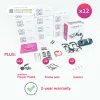 CoDrone EDU
$345.00
- In stock, ships from Ontario
- Priced in CAD, no import duty
- Purchase orders and quotes for schools
- Authorized Canadian Robolink reseller


Hannah –
Parent, Ontario
My son started by trying to make it take off and land in the same spot. He’s still working on the “same spot” part, but he keeps changing his program and trying again.
Julie –
After-school instructor, Manitoba
The group spent most of Tuesday trying to get a clean turn. Not the lesson I had written down, but they were testing and talking through every attempt.
Sylvia –
Grade 8 teacher, British Columbia
I use it mostly for demonstrations, so everyone sees the same test. It would be harder with a whole class trying to get a turn, but that wasn’t why we bought one.
Denise –
STEM teacher, Nova Scotia
I brought it in for the last class before break, thinking we’d just do a short demonstration. The students asked for the code afterward so they could work out how the flight happened.
Eric –
Coding club volunteer, Ontario
One drone was enough to find out whether the club would take to it. They did. Now I have a list of activities they want to try.
Marco –
Robotics club advisor, Ontario
A good starting point for our small club. We need to plan turns carefully with one drone, especially when everyone has code they want to test.
Omar –
Computer science teacher, Ontario
We were working on loops and the drone made the result obvious straight away. A few students spotted the mistake before I said anything.
Aaron –
Parent, Alberta
We started with the beginner activities. Seeing an actual flight after fixing a mistake was a pretty big deal at our house.
Chloe –
STEM teacher, British Columbia
I used one drone to test the lessons before ordering for a full class. The Blockly activities were approachable for students new to coding.