







CoDrone EDU Classroom 12-Pack
$4,989.00
Brand:
A Drone Made for Learning
Ages: 12+
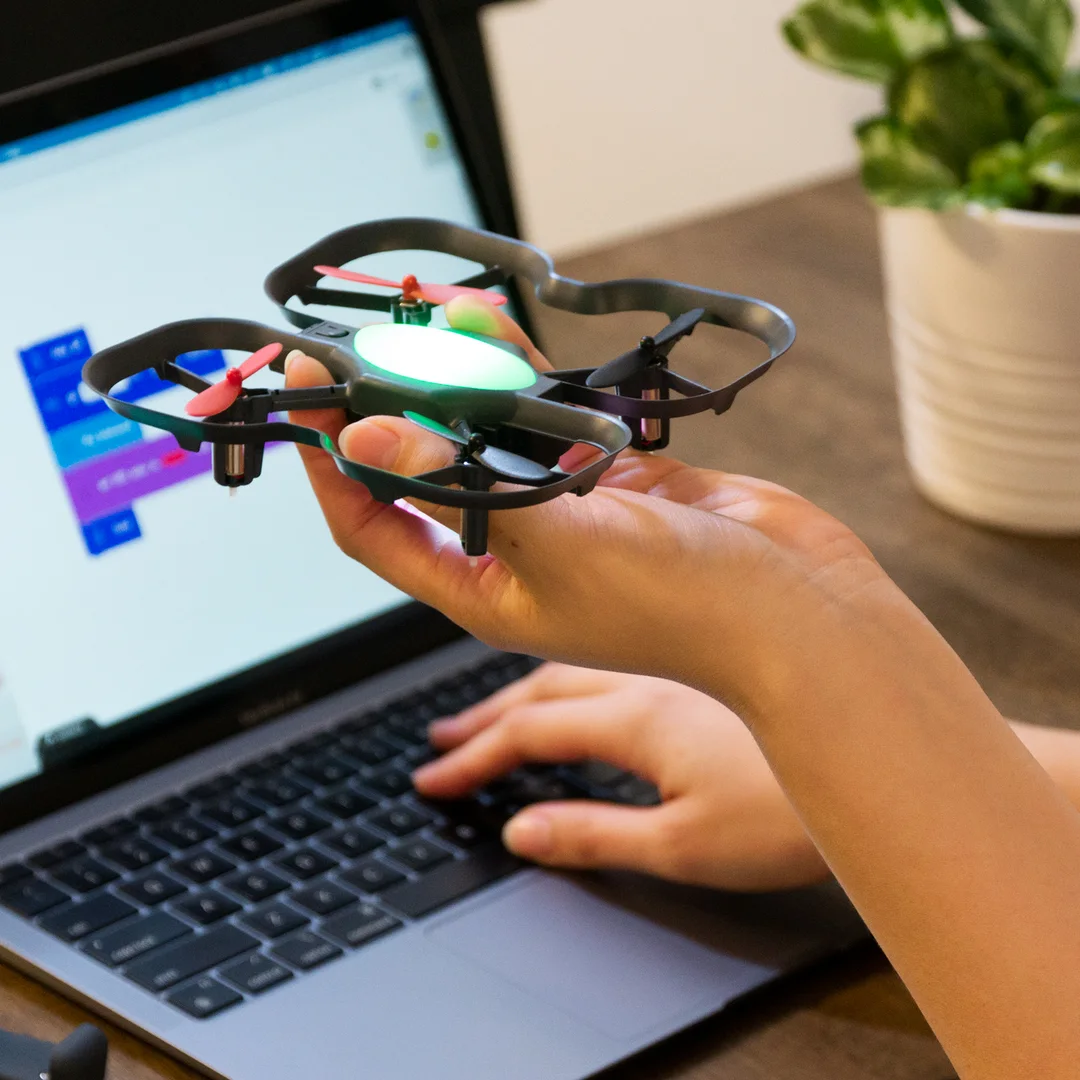
Programming languages: Blockly and Python
What you’ll learn: Drones, flight, accelerometers, gyroscopes, LEDs, color sensors, obstacle detection, sound, block coding, text-coding
- In stock, ships from Ontario
- Priced in CAD, no import duty
- Purchase orders and quotes for schools
- Authorized Canadian Robolink reseller
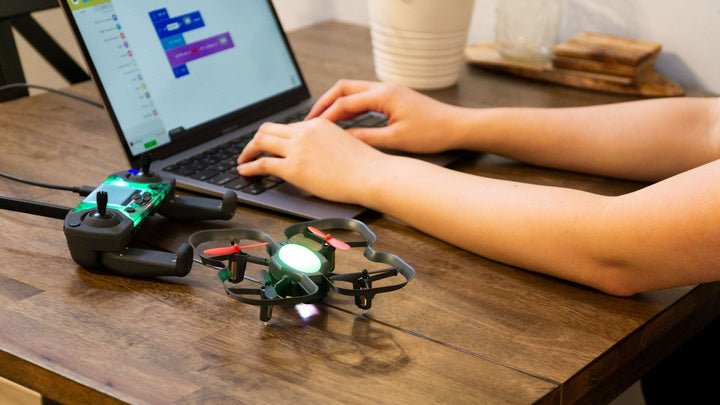
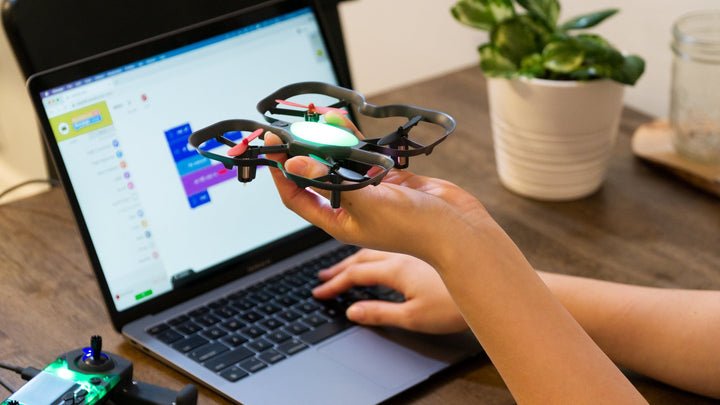
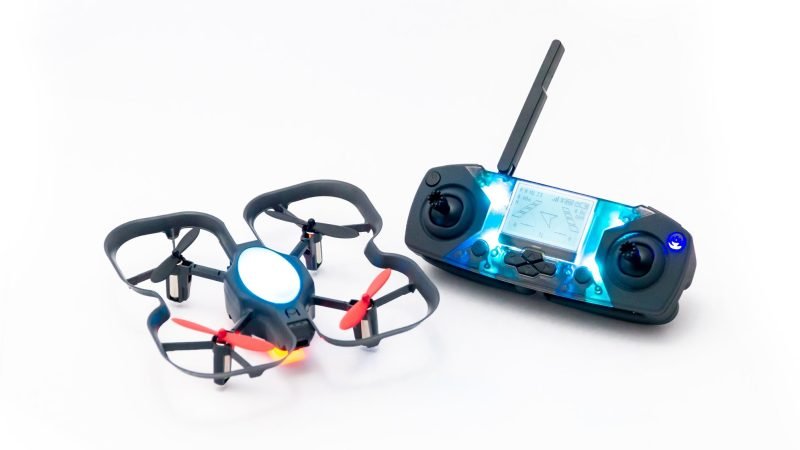
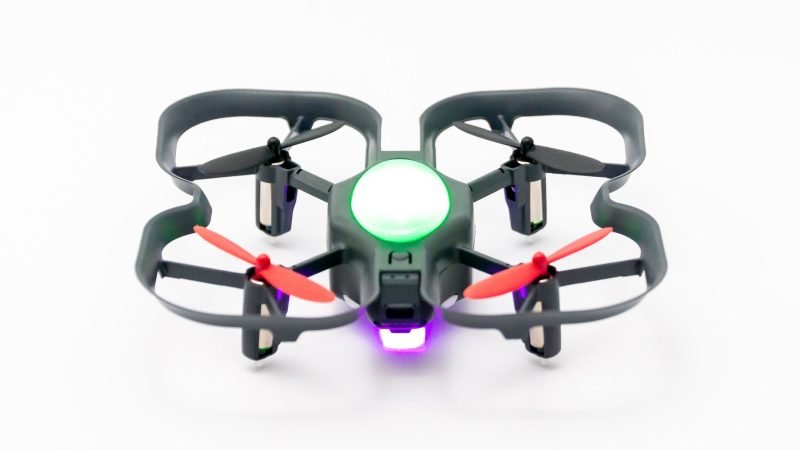
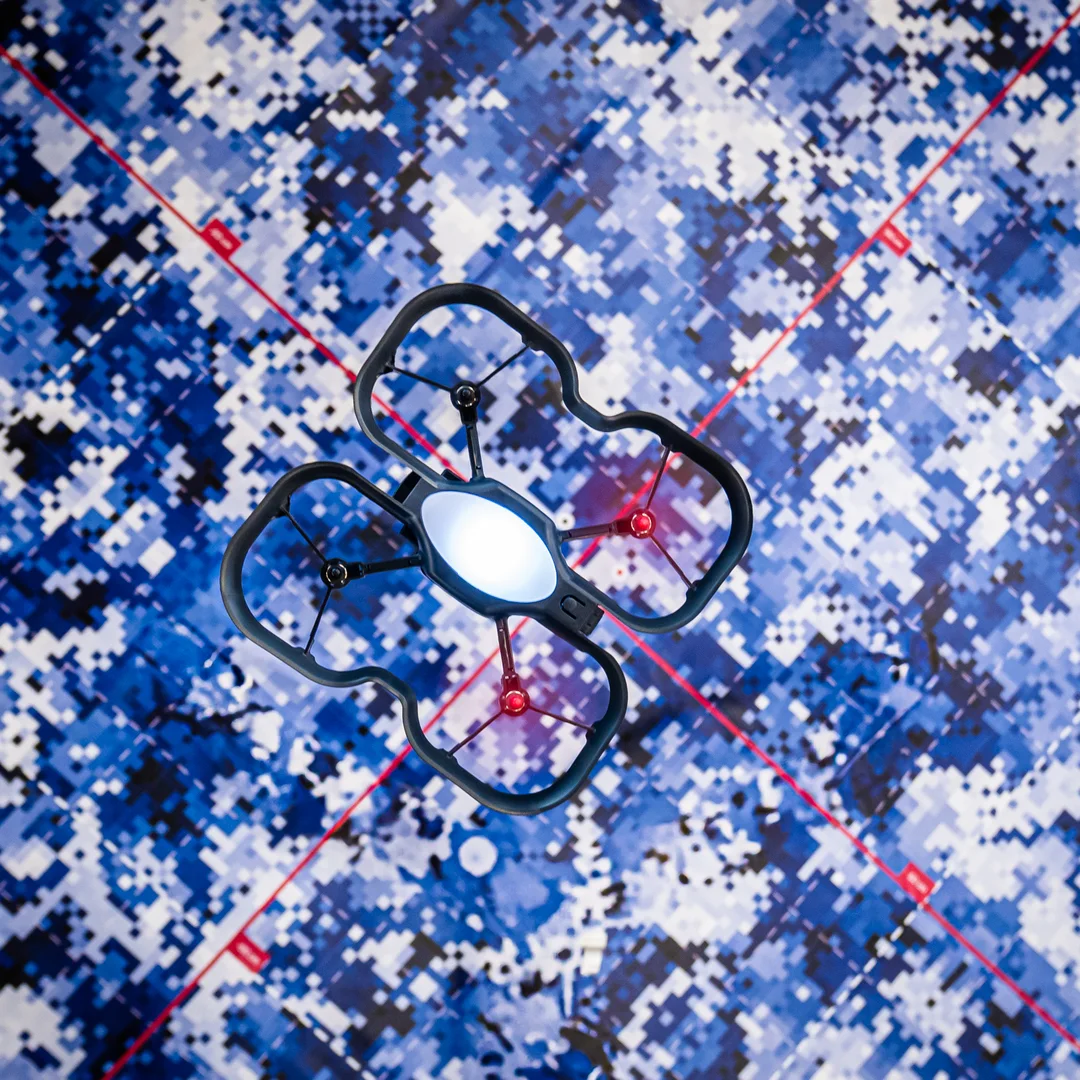
The CoDrone EDU is a programmable drone for learning. Code it in Python or start from the basics with block-based coding. With its color sensors, a front range sensor, a bottom range sensor, and more, it’s a great way to learn to code. The durable and safe frame, programmable lights, and access to 7 sensors make it an excellent learning tool and a great way to learn coding and engineering skills in the classroom and for competitions.
What’s included in the CoDrone EDU – Classroom 12 Pack
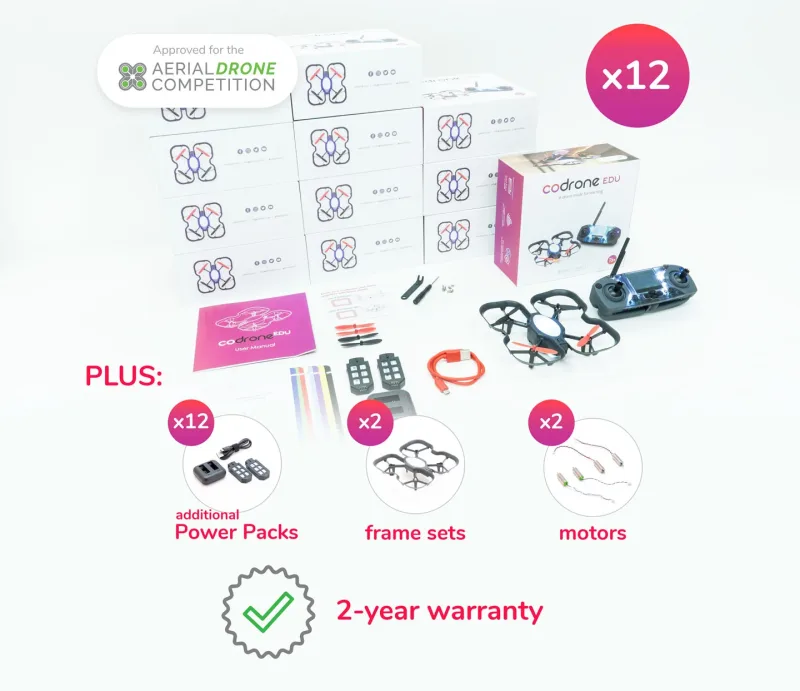
- 12 CoDrone EDUs
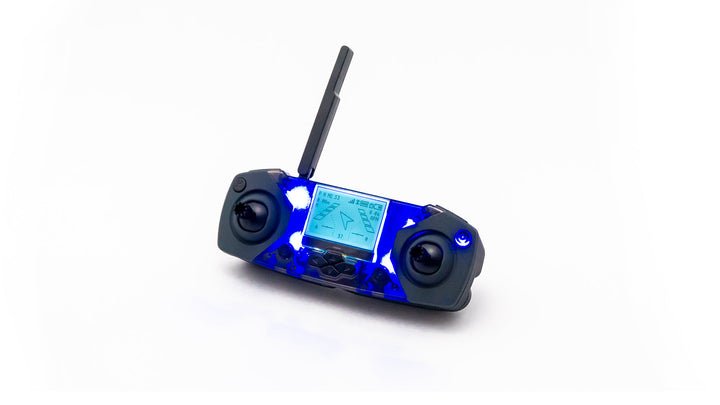
- 12 Smart Controllers
- 48 rechargeable batteries
- 24 dual-battery chargers
- 12 sets of replacement propellers (each set has 2 clockwise, 2 counter-clockwise)
- 2 set of replacement motors (each set has 2 clockwise, 2 counter-clockwise)
- 2 replacement frames
- 2-year warranty
10 reviews for CoDrone EDU Classroom 12-Pack
Only logged in customers who have purchased this product may leave a review.
See CoDrone EDU in a classroom
Robolink's own film shows students flying CoDrone EDU with its controller, then coding it and reading its sensors.
- Fly first, then code in Blockly or Python
- Seven sensors students can read from code
- Built to be repaired, part by part
Video by Robolink (2:22). Plays here, nothing loads until you press play.
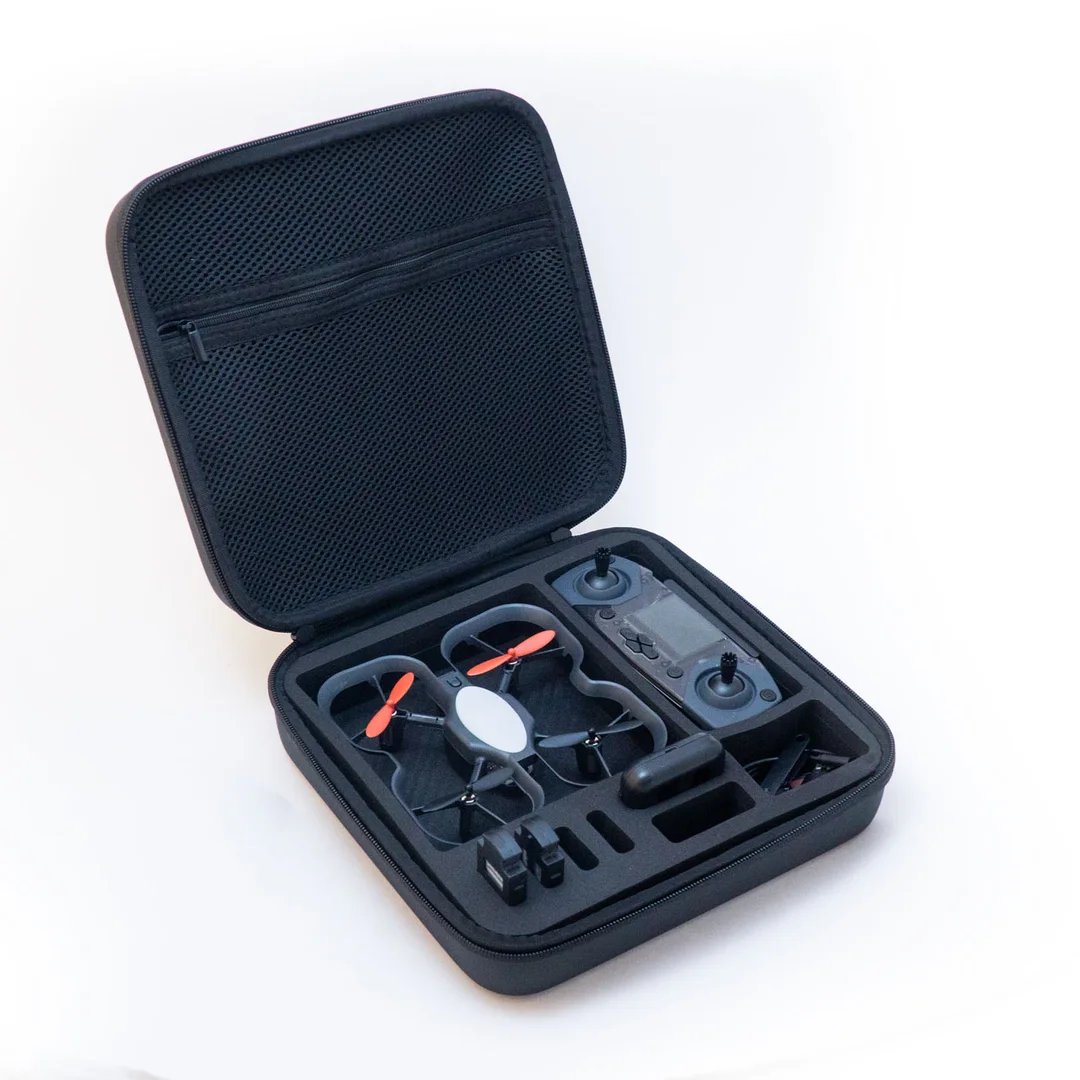
CoDrone EDU Classroom 12-Pack specifications
| Drones and controllers | 12 CoDrone EDU drones, 12 Smart Controllers |
|---|---|
| Batteries | 48 rechargeable, four per drone |
| Chargers | 24 dual-battery chargers |
| Spare parts | 12 propeller sets, 2 motor sets, 2 frame sets |
| Class size | A class of 24 working in pairs, Robolink's recommended ratio |
| Coding | Blockly and Python, free lessons on Robolink Learn |
| Sensors per drone | Seven: gyroscope, accelerometer, barometer, optical flow, front range, bottom range, colour |
| Flight time | About 7 to 8 minutes per battery, about 60 minutes to recharge |
| Computers | Chromebook, Mac and Windows with a USB port; Python on Mac and Windows |
| Controller batteries | Two AA per controller, not included |
| Warranty | 2 years |
| Availability | In stock, ships from Ontario |
CoDrone EDU questions
How many drones does a class need?
Robolink recommends one drone for every two students, or one each for groups under 10. A 12-pack covers a class of 24 and an 18-pack a class of 36.
Does it work on Chromebooks or iPads?
Robolink says Blockly works on Chromebooks, Macs and Windows computers with a USB port, and Python works on Mac and Windows but not on a Chromebook. CoDrone EDU is not compatible with iPads or tablets.
What warranty does it have?
The 12 and 18 classroom packs, with or without PD, come with a 2-year warranty. A single CoDrone EDU comes with 1 year.
Can we use it for the Aerial Drone Competition?
Yes. The REC Foundation names CoDrone EDU an official drone of the Aerial Drone Competition and lists it among the approved drones for 2026-27.
Do you accept school purchase orders?
Yes. At checkout, choose Purchase Order and reply to our acknowledgement with your PO, or choose Quote and our sales team will send a detailed quote. Prices are in Canadian dollars.
Related products

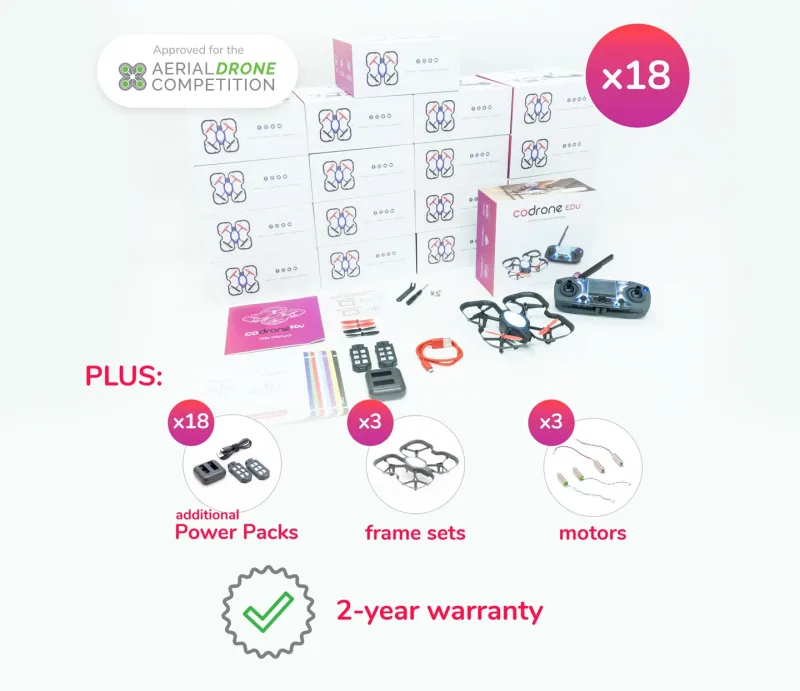


 CoDrone EDU Classroom 12-Pack
$4,989.00
- In stock, ships from Ontario
- Priced in CAD, no import duty
- Purchase orders and quotes for schools
- Authorized Canadian Robolink reseller


Amélie –
STEM teacher, Quebec
We did the first flights in the gym. A few students were hesitant to take the controls, so we started with assigned jobs and switched halfway through. That worked.
Joanne –
Grade 7 teacher, Ontario
I expected the flying to be the draw. It was, but the useful part for me was hearing students explain why they changed their code between flights.
Nisha –
Grade 8 science teacher, Alberta
My class tested how long their drones stayed in the air on different programs. They wanted to collect another round of results even after the lesson was over.
Rina –
Digital learning lead, British Columbia
We’ve had this set through two groups now. The second group got going much faster because the first one helped us figure out a sensible checkout system.
Derek –
Technology teacher, Ontario
We run 50-minute periods. The activity fits, but packing up twelve stations takes longer than I planned. I now leave the last eight minutes for it.
Colin –
Grade 6 teacher, Ontario
The students love it. I would just tell another teacher to sort out charging and storage before lesson one. We didn’t, and that first week was a bit chaotic.
Graham –
Robotics club advisor, Manitoba
The club can split up instead of building one program together. One team worked on turns while another kept trying to improve a landing.
Yasmin –
Grade 9 teacher, Ontario
A student who usually finishes the coding task and moves on spent almost the whole period adjusting one route. She wanted to know why the drone missed the marker.
Peter –
Computer science teacher, Ontario
Twelve was the right number for our lab. Two students per station, and nobody had to wait through half the period to test a change.
Rebecca –
Grade 5 teacher, Ontario
The drones gave my class a reason to keep trying when their code didn’t work the first time. Seeing a successful flight was a big moment for them.